Desktop Widgets by Lively
Sketches SRL
Pin sticky notes, a to-do list, a calendar and weather to your Windows desktop with this widget app by Lively Wallpaper.

Free trial · Offers in-app purchases

Screenshots
Description
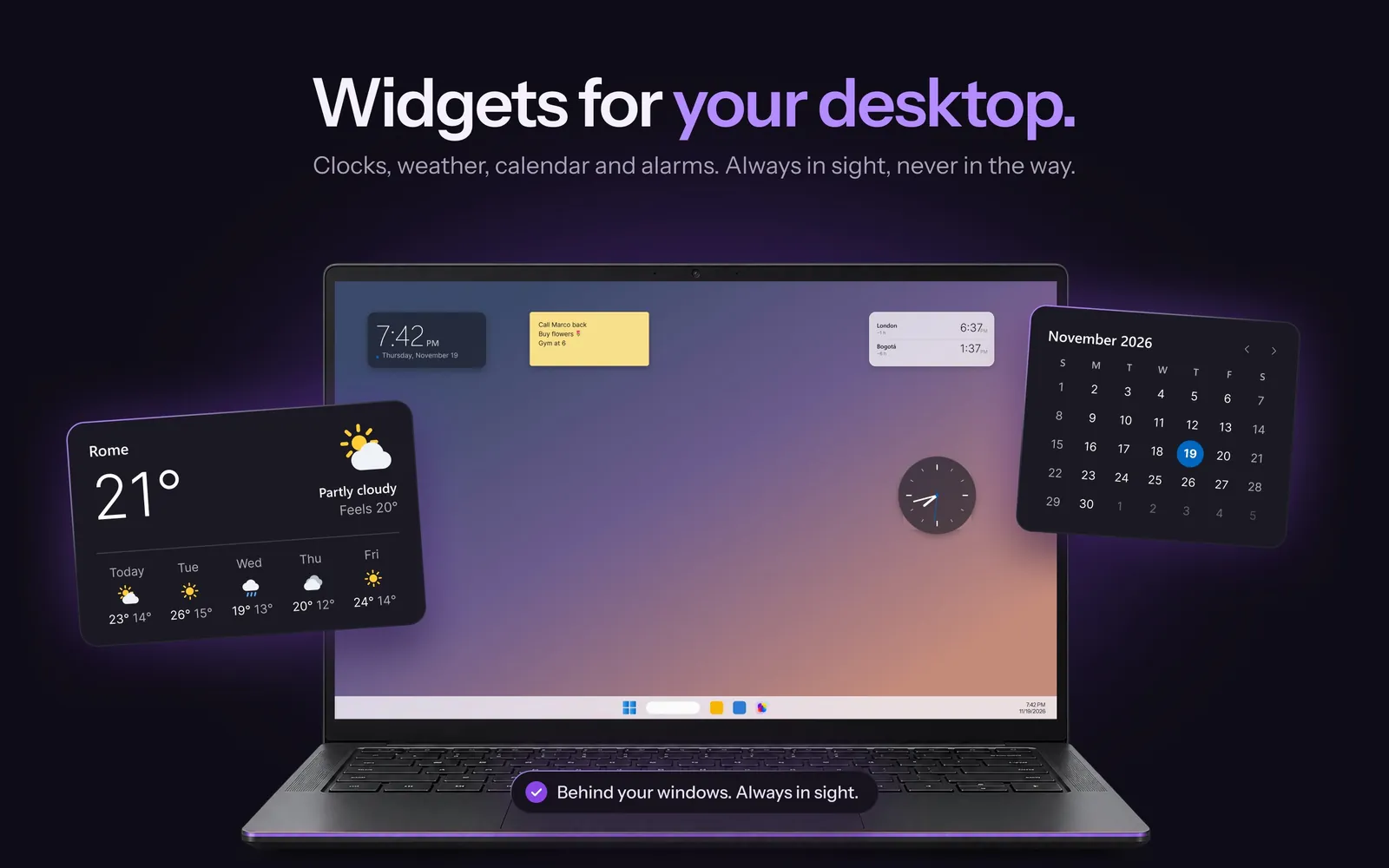
Turn your empty Windows desktop into a clean, useful dashboard with Desktop Widgets: a clock, weather, calendar, sticky notes, a to-do list and more, all sitting right where you can see them.
Desktop Widgets is made by Lively Wallpaper: animated wallpaper behind, useful widgets in front.
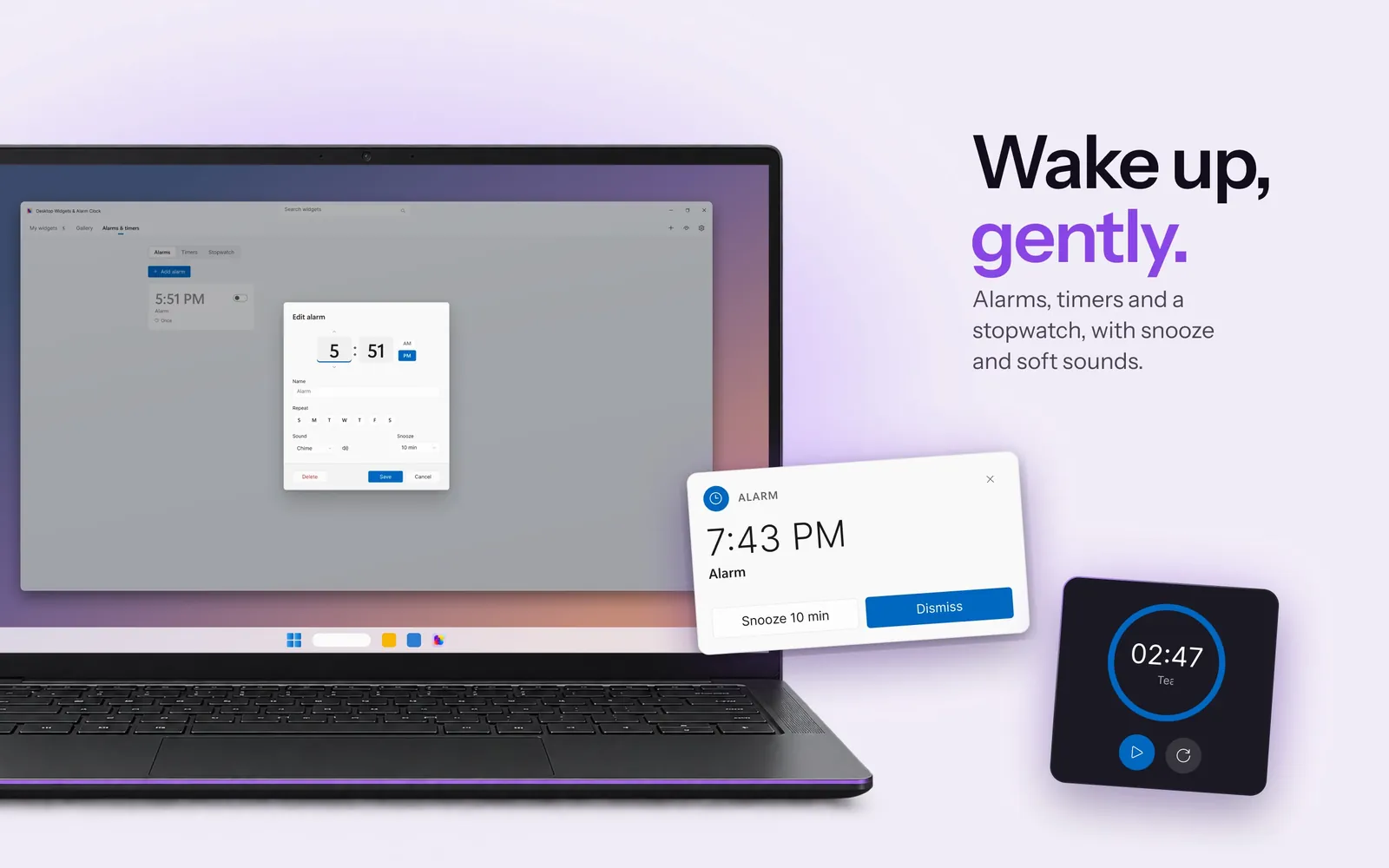
This widget app puts everything you check during the day on your desktop. You set it up once from one simple window, and your widgets stay put, always at a glance.
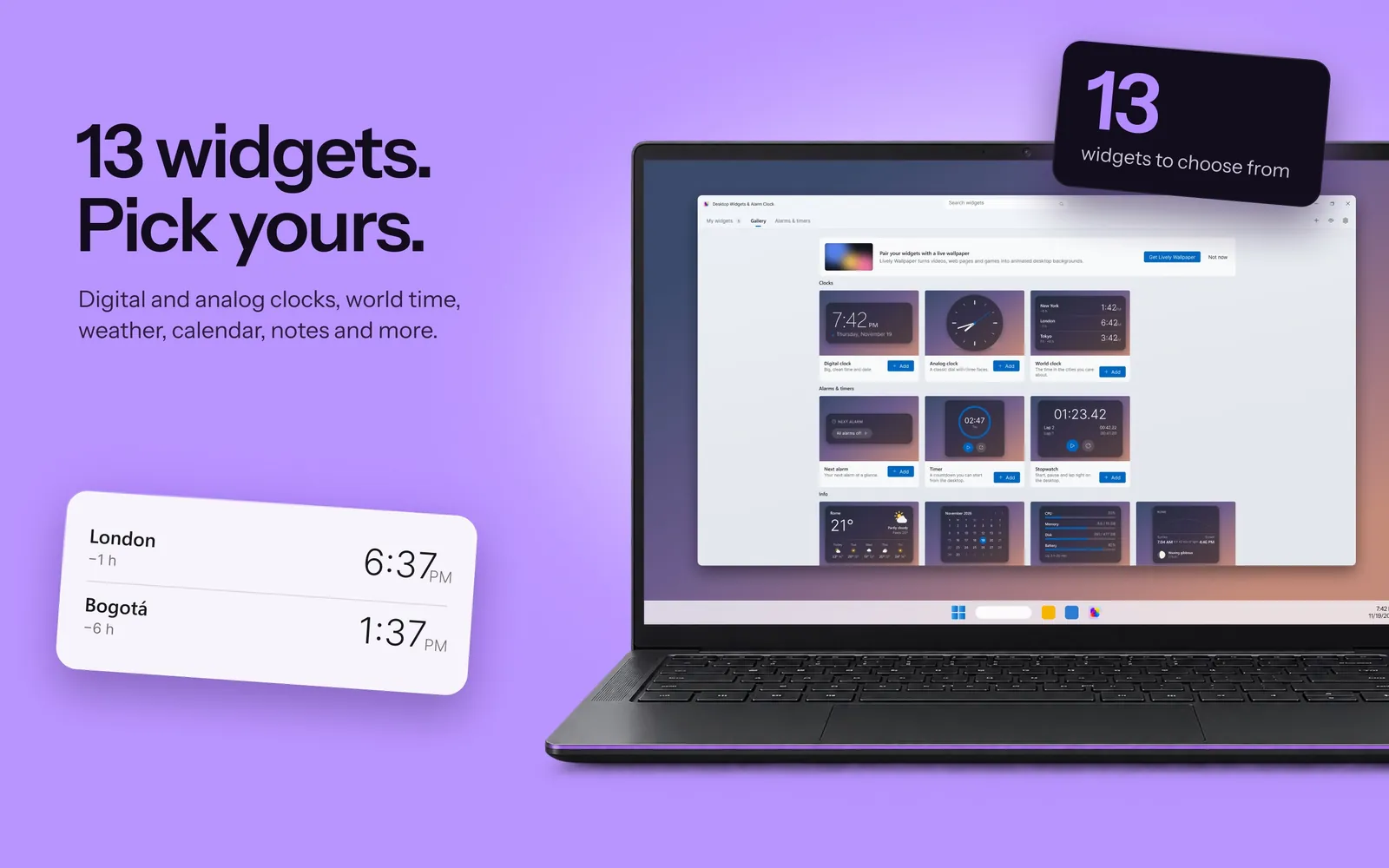
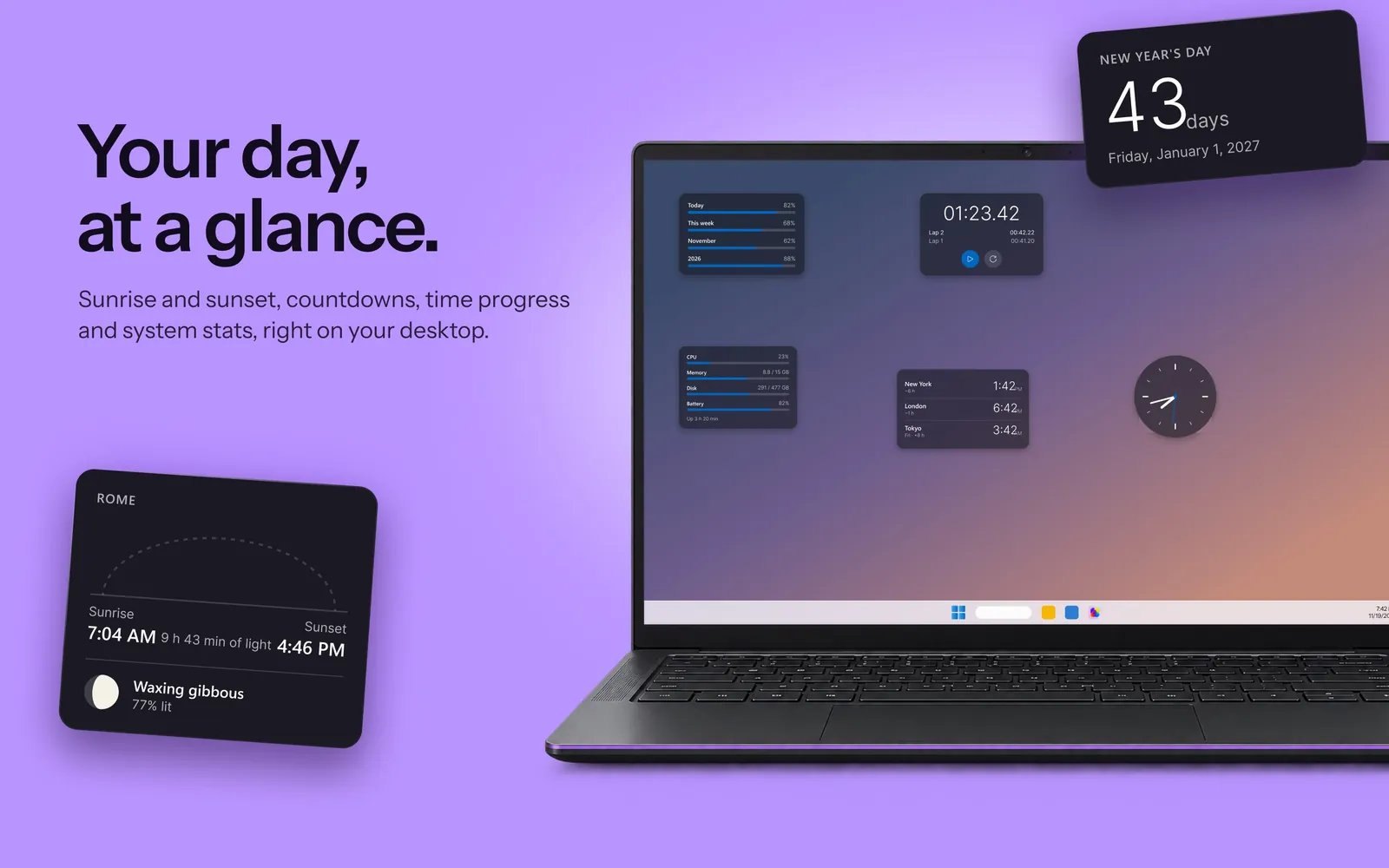
Write sticky notes that save as you type. Keep a to-do list, a widget calendar and a countdown to your next big date within reach. Follow the time in several cities, and check the weather and a 4-day forecast without opening a browser.
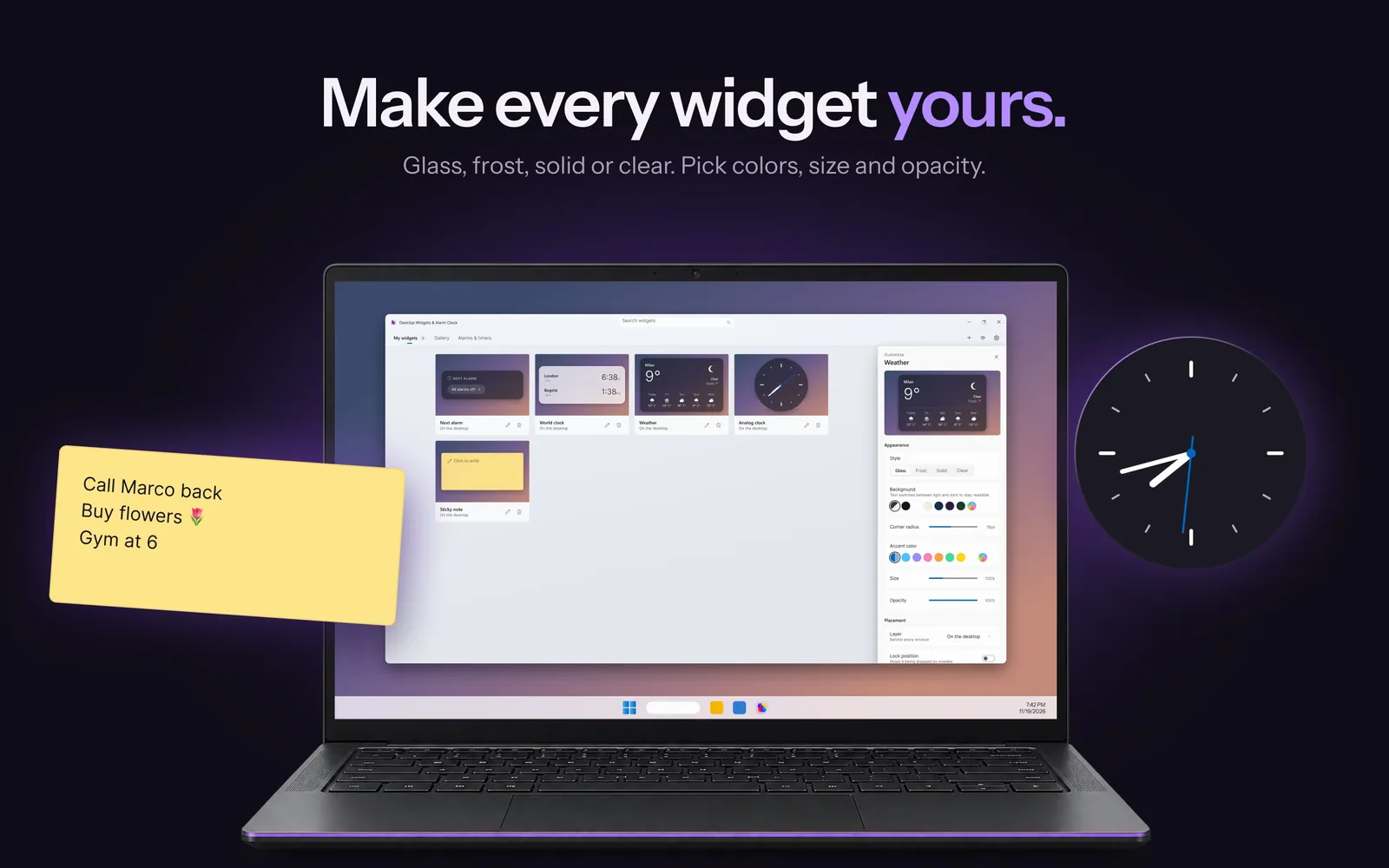
Make it look the way you like. It works as an app customizer for your desktop: drag each widget anywhere, snap it to a grid, lock it in place, and pick its size, style, accent color and transparency. Prefer a tidy look? Choose Clear and see just the content, with no frame.
Key Features
- Jot sticky notes right on your desktop in yellow, pink, mint or blue, and they save as you type.
- Check the weather widget for any city you type, with current conditions and a 4-day forecast in °C or °F.
- Count down the days to a vacation, a launch, a birthday or Christmas with a named countdown widget.
- Follow several time zones at once with one clock per city, or switch to a retro flip clock, in 12-hour or 24-hour format.
- Plan your month with a clear calendar widget that highlights today and starts on Sunday or Monday.
- Add a task to your to-do list widget, press Enter and tick it off when it's done, then clear finished tasks in one click.
- Style every widget your way with Glass, Solid or Clear looks, three sizes and your accent color.
Subscribe to access premium app features; subscription details are the following:
- Length: Monthly or yearly
- Free trial: Available only on selected subscriptions
- Your payment will be charged to your Microsoft Store account upon confirmation of purchase
- You can manage your subscriptions and turn off auto-renewal in your Microsoft Store Account settings after purchase
- Your subscription will automatically renew unless you cancel it at least 24 hours before the end of the current period
- The cost of renewal will be charged to your Microsoft Store Account within 24 hours prior to the end of the current subscription period
- If you cancel a subscription, it will remain active until the end of the current billing period. Auto-renewal will be disabled, but no refunds will be provided for the remaining period
- Any unused portion of a free trial period, if offered, will be forfeited upon purchasing a subscription
System requirements
- OS
- Windows 10 version 17763.0 or higher, Windows 11
- Architecture
- x64
- Download size
- About 159 MB
- Installation
- Sign in with your Microsoft account and install on up to ten Windows devices.
- Languages
- Arabic, Chinese, Dutch, English, French, German, Indonesian, Italian, Japanese, Korean, Polish, Portuguese, Russian, Spanish
Additional information
- Published by
- Sketches SRL
- Category
- Productivity
- Age rating
- ESRB Everyone · In-App Purchases
- Price
- Free to download, with a free trial. Some features are paid, bought in the app through your Microsoft account.
- What you download
- A small installer made by Microsoft. It installs Desktop Widgets from the Microsoft Store and opens it when ready.
- Uninstall
- Settings › Apps › Installed apps › Desktop Widgets › Uninstall
- Privacy and terms
- Privacy policy · Terms & Conditions · Microsoft Standard Application License Terms